Choose the right G-Accon license, then buy, review and manage it from the Buy/Manage License module in Google Sheets: organizations, users, plans and billing.
G-Accon has three license families, Single User, Group and Domain, across four plans.
Buy, view or change your license, connected organizations and subscribers from inside Google Sheets:
The Overview tab shows the Google account on your subscription, the license type, days until renewal and your connected organizations.
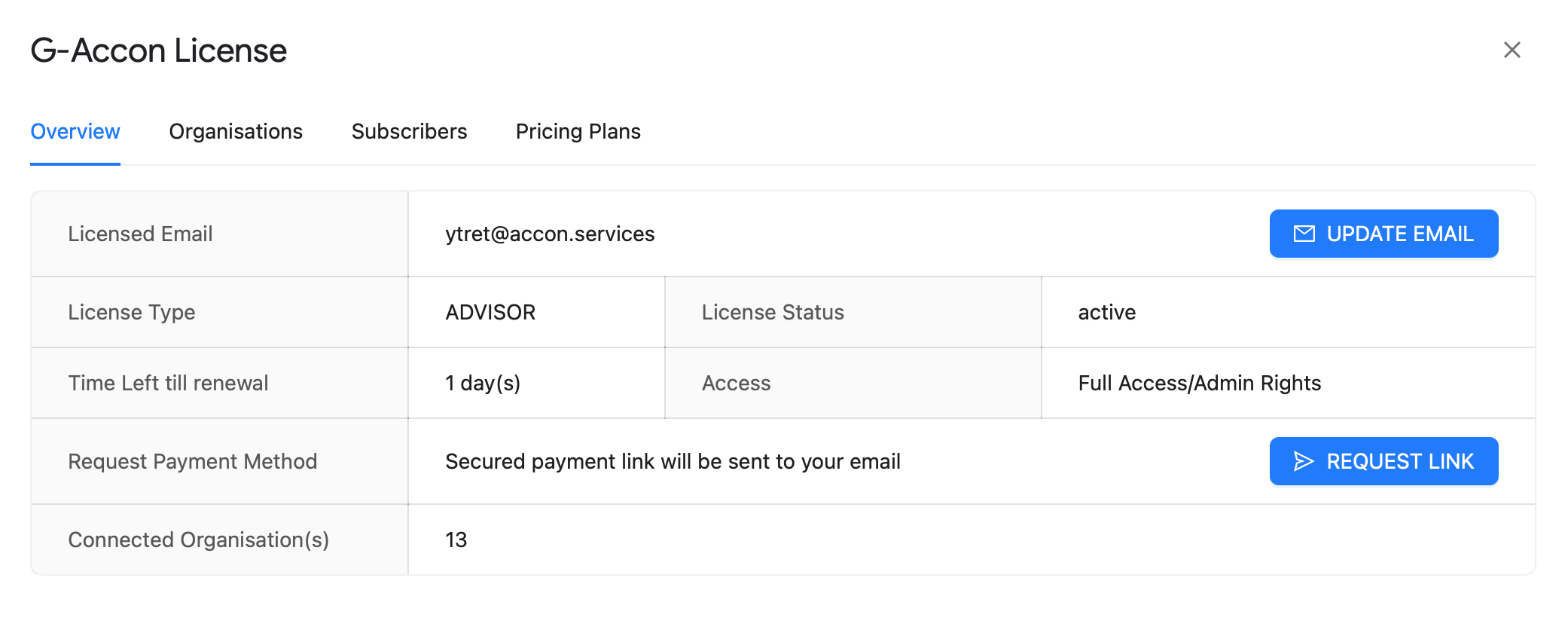
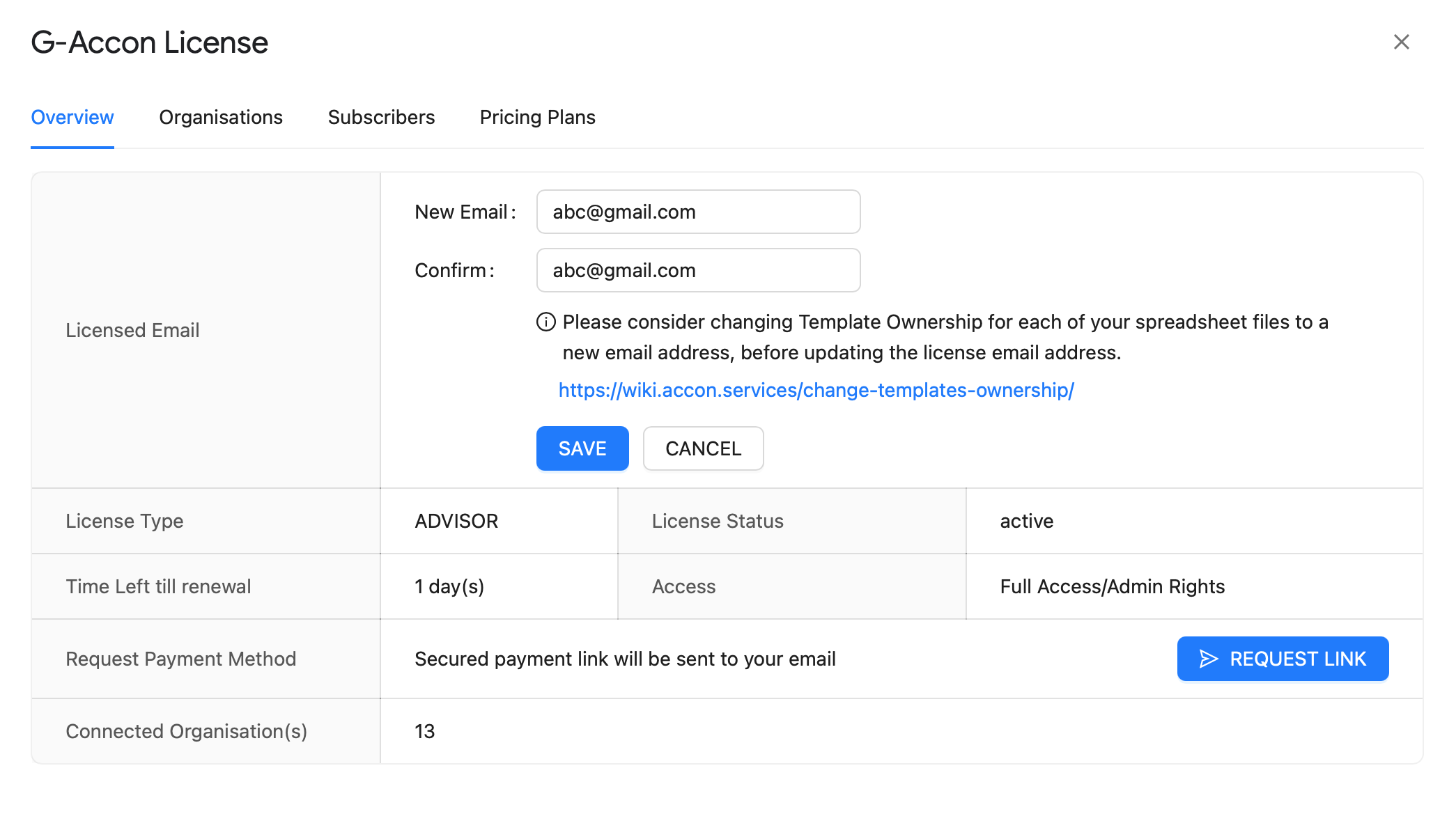
Click Update Email to change the Google account on your license.
Under Request Payment Method, click Request Link to get a secure link for new payment details. We accept credit card, PayPal and ACH.
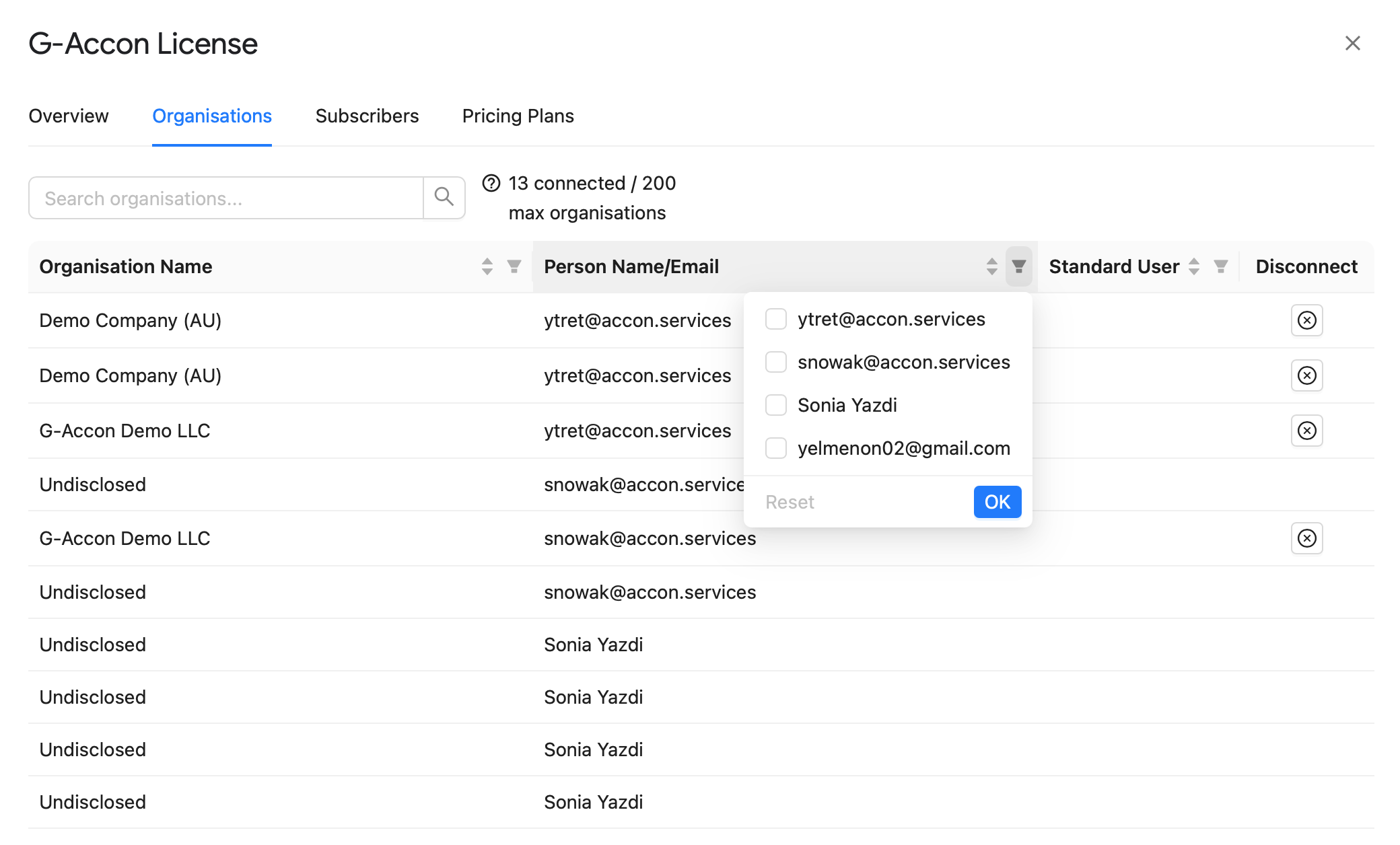
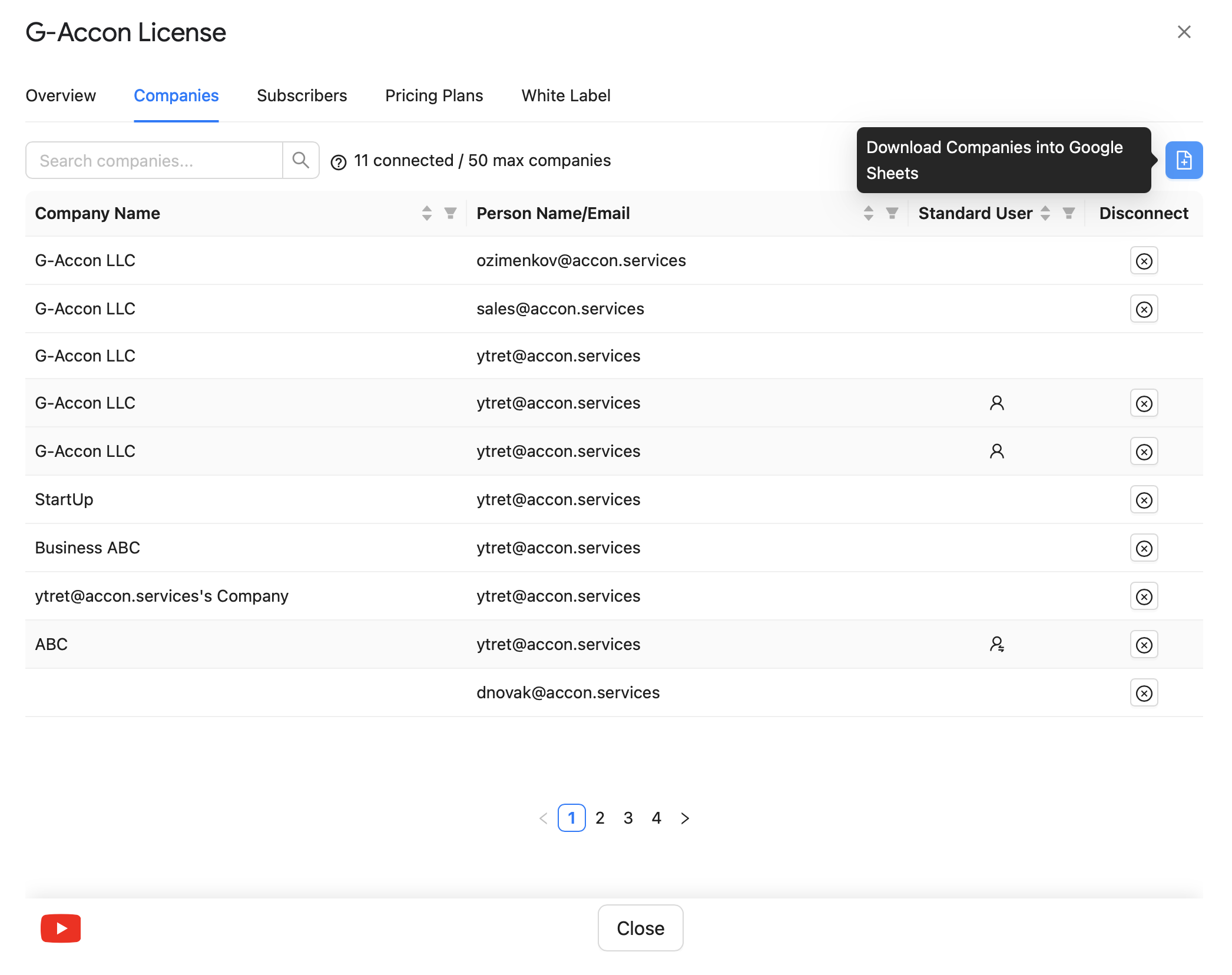
See how many organizations are connected and the maximum your plan allows. Filter by organization name, Google account or privilege level. Account admins can disconnect organizations you no longer need.
View, modify and remove the users on your license.
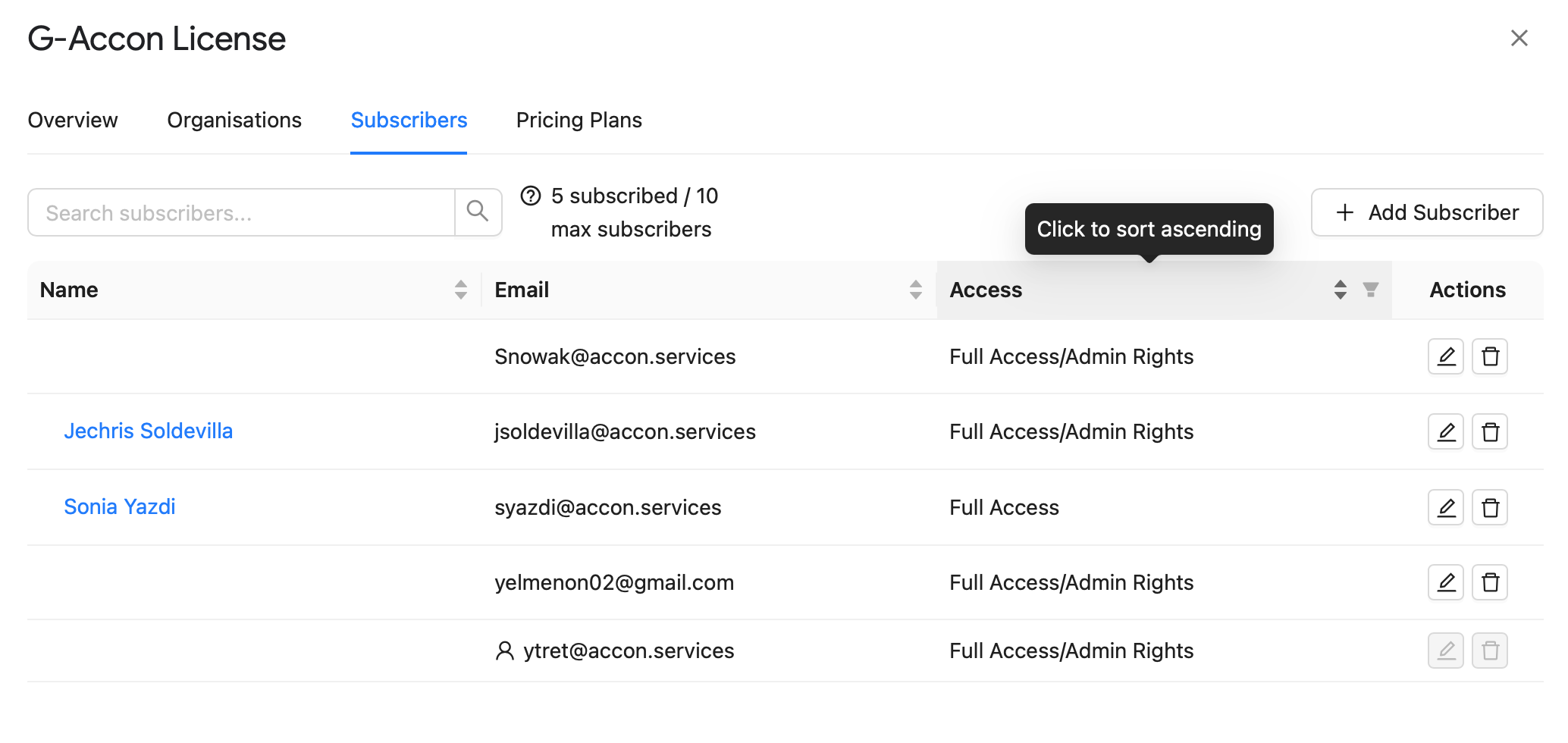
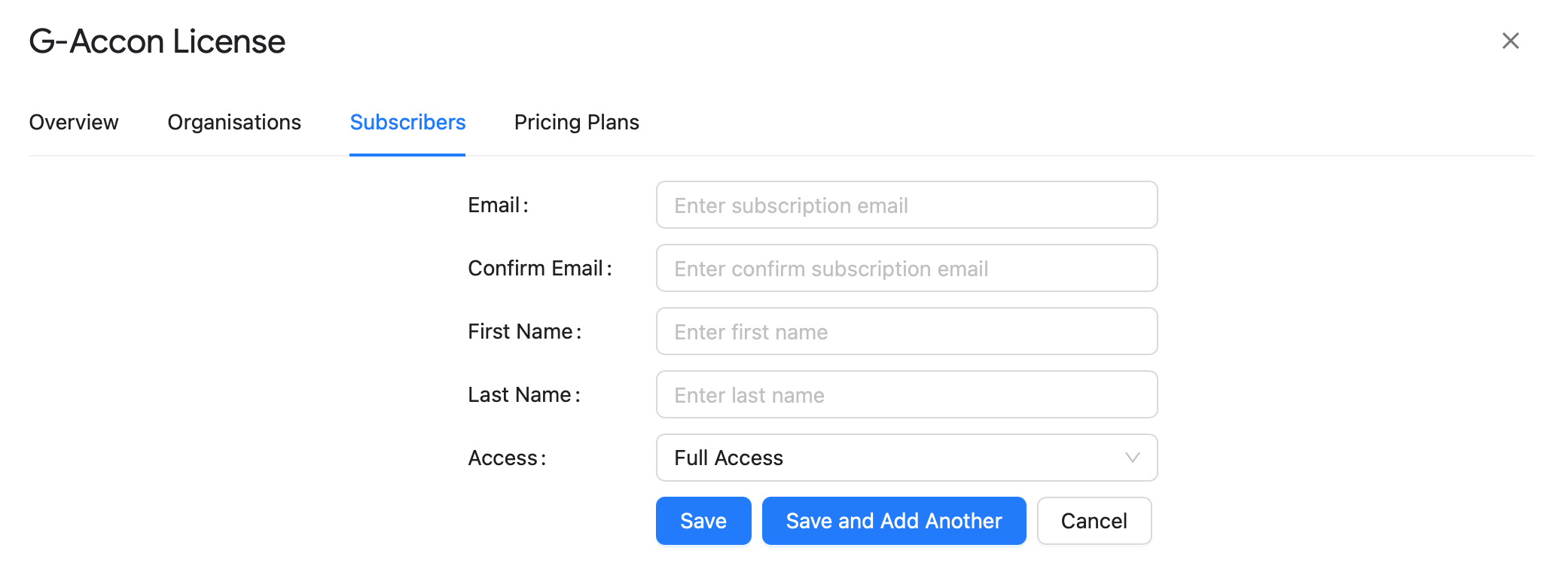
Click Add Subscriber, enter and confirm the email, add the first and last name and choose an access level. The new user gets an email with installation steps.
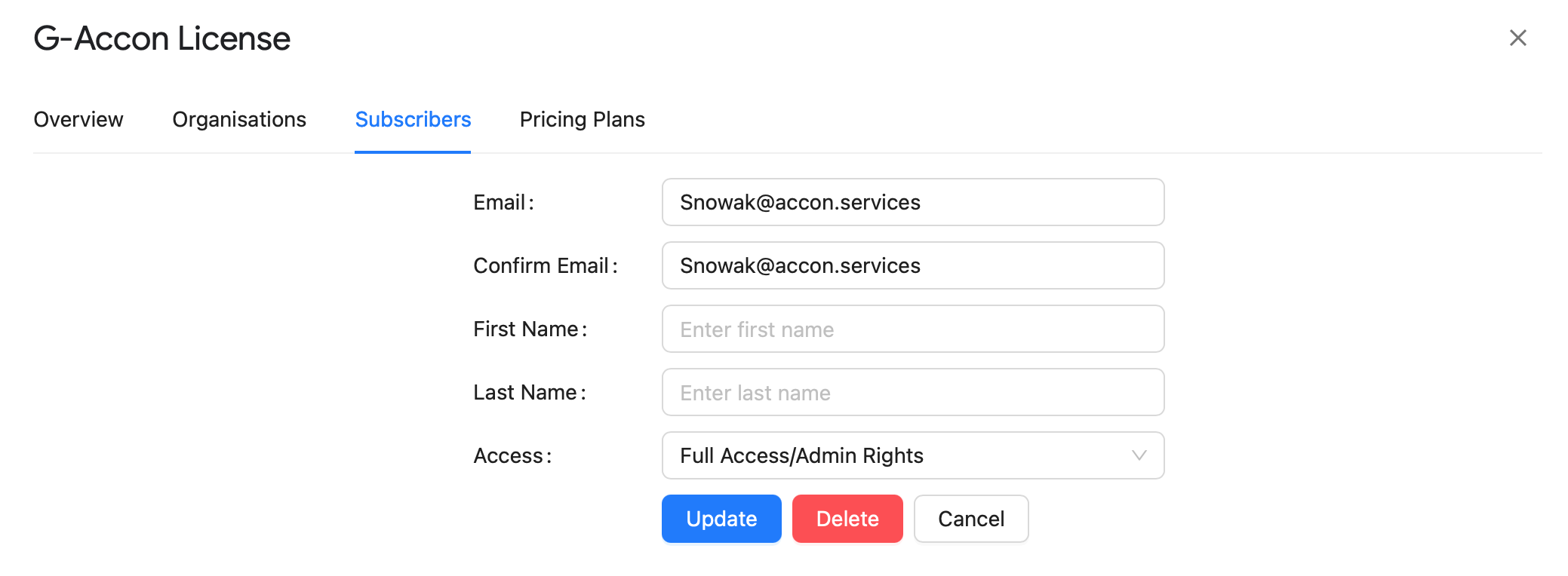
Click the first icon next to the subscriber, update the fields and click Update.
From the least to the most access:
Review your current plan, switch plans, move between annual and monthly billing, and add or remove subscribers and organizations.
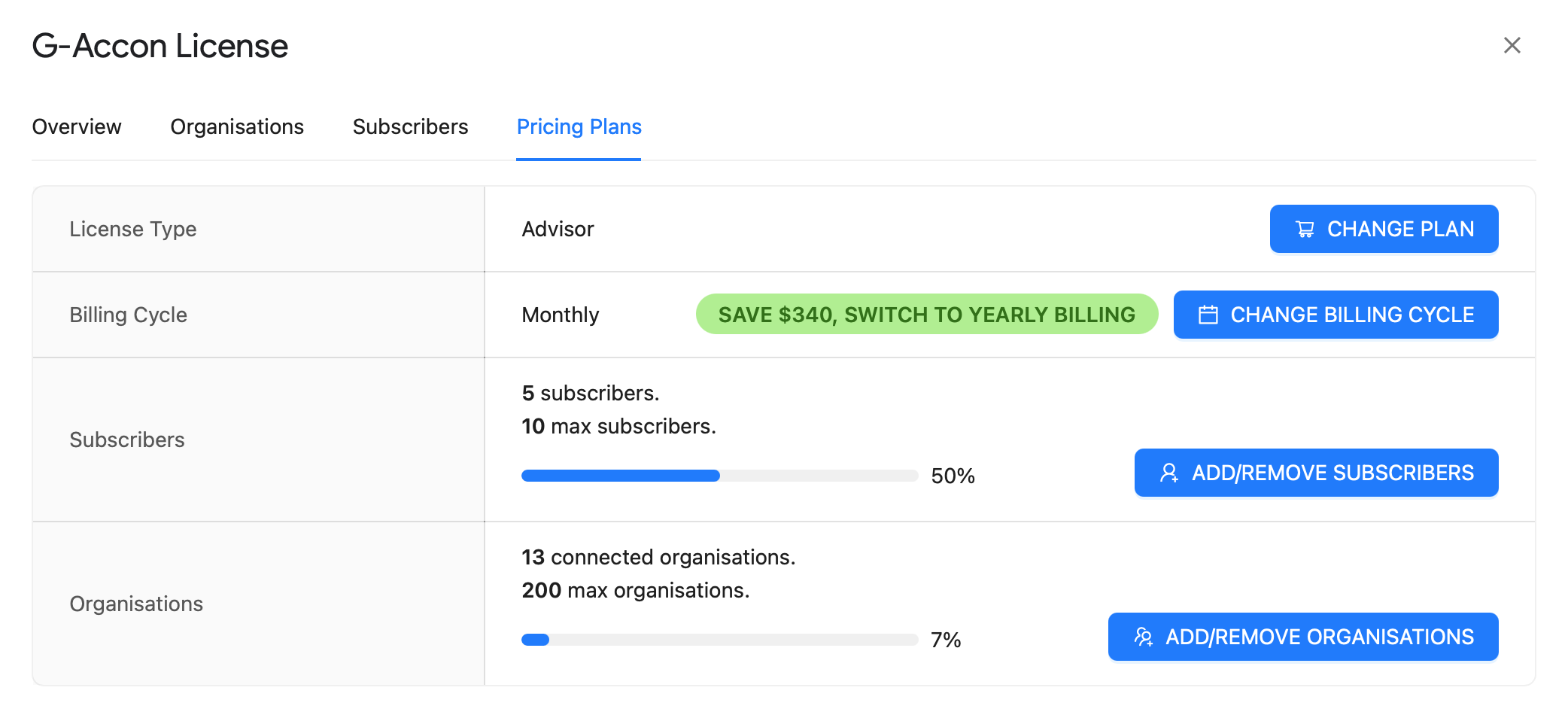
Click Change Plan, pick a plan and complete the transaction.
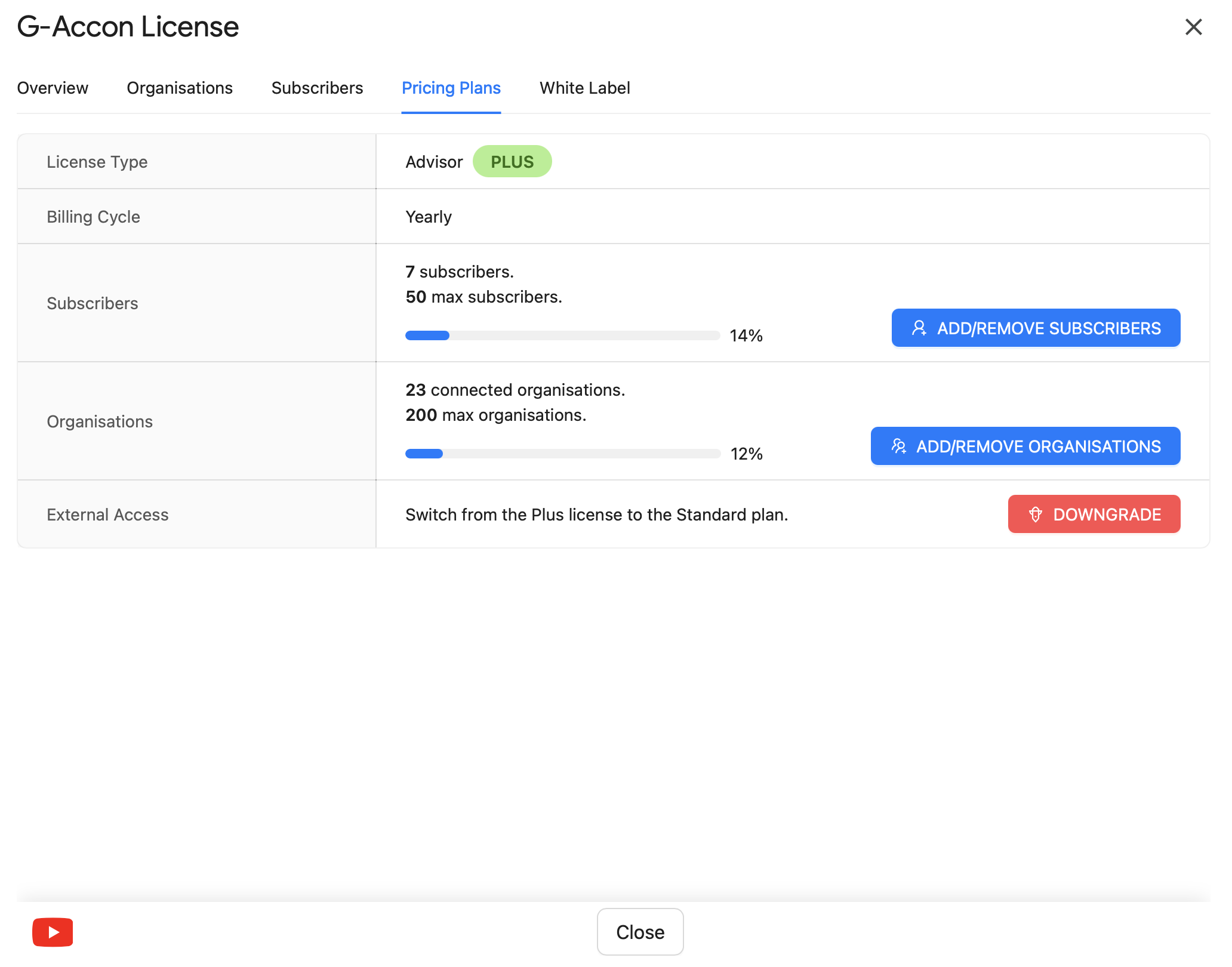
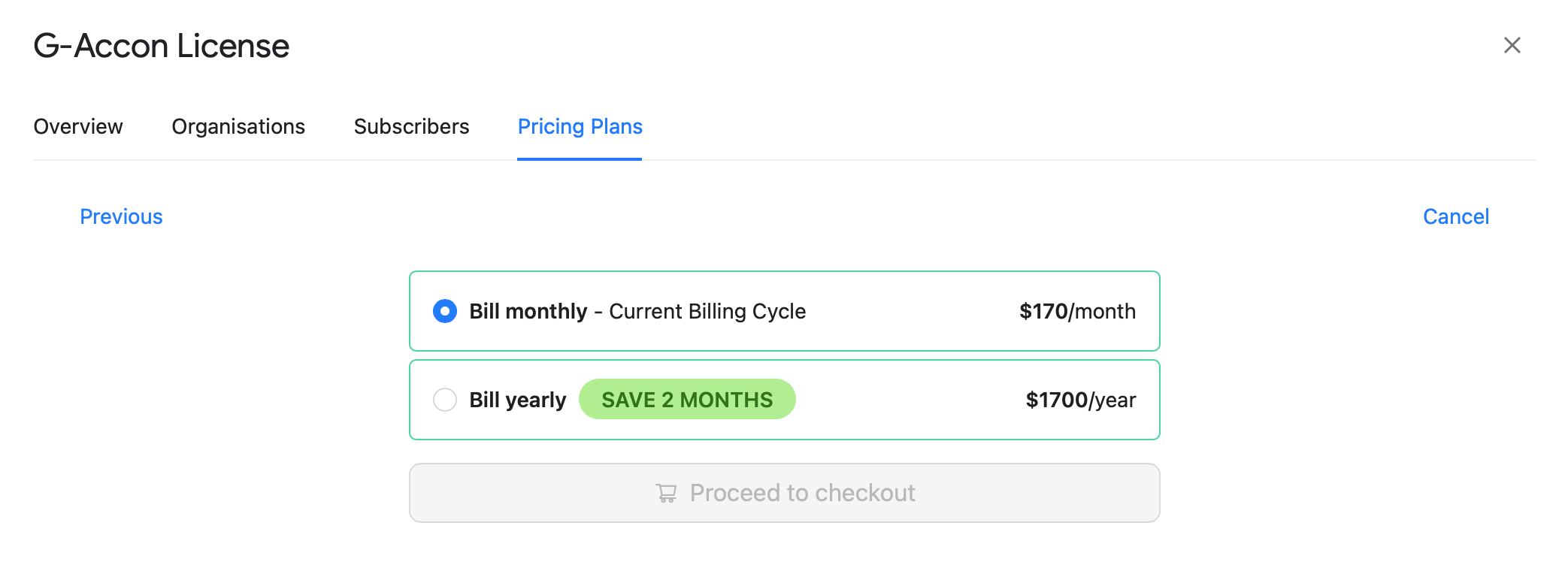
Click Change Billing Cycle, choose annual or monthly and confirm.
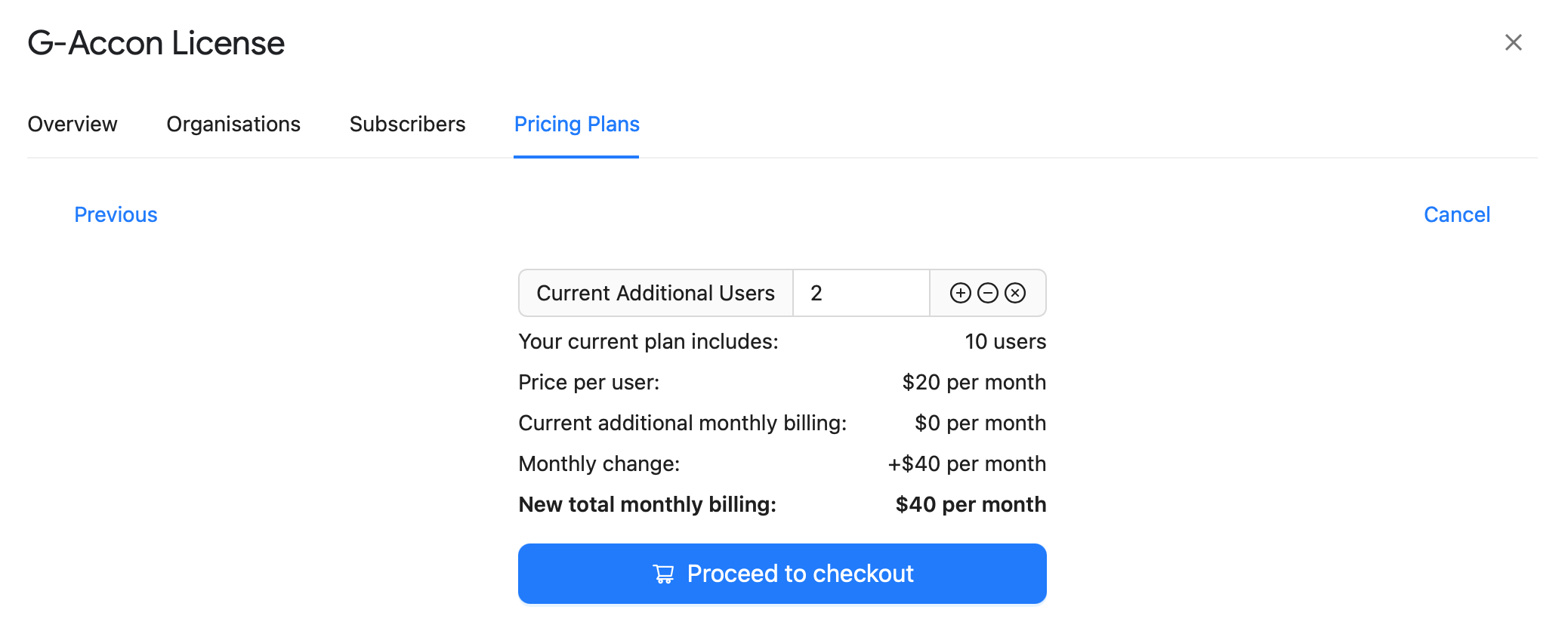
Use Add/Remove Subscriber to change the number of seats.
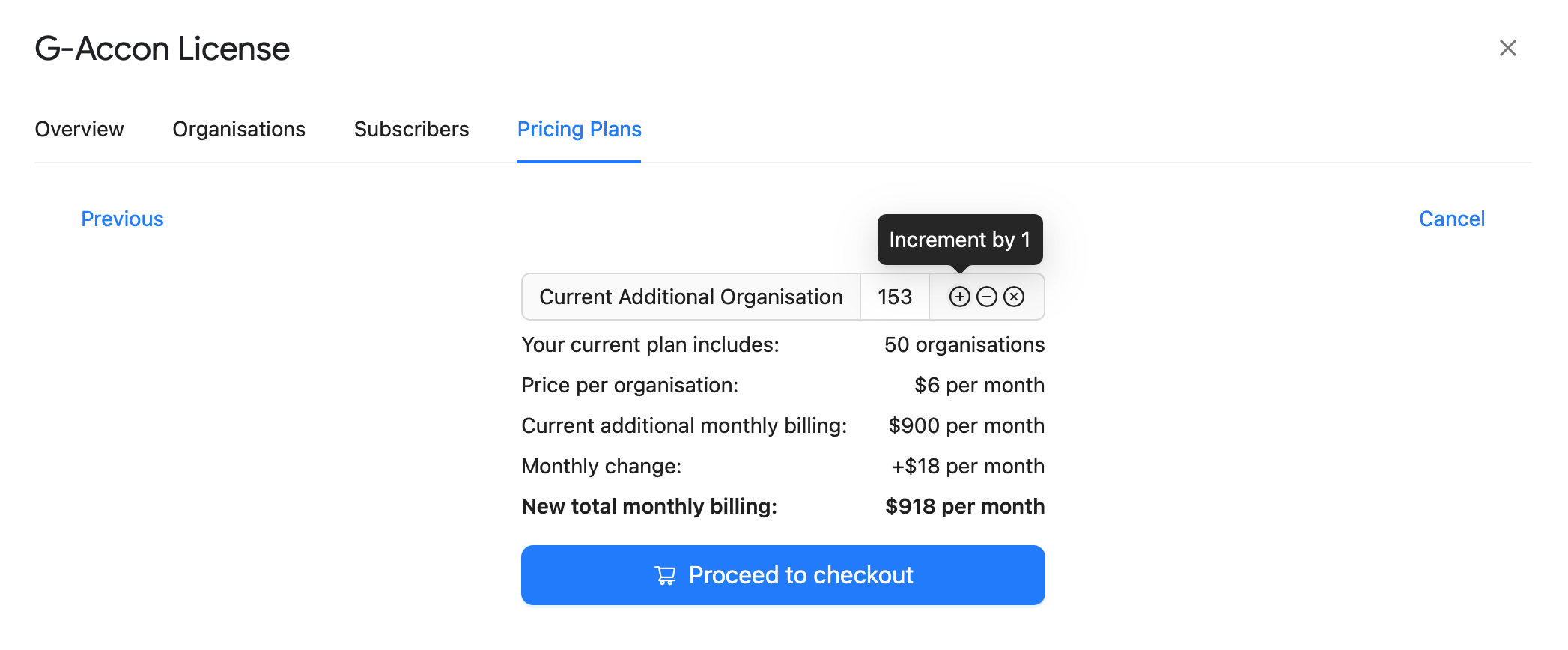
Use Add/Remove Organization to change how many organizations your license covers.
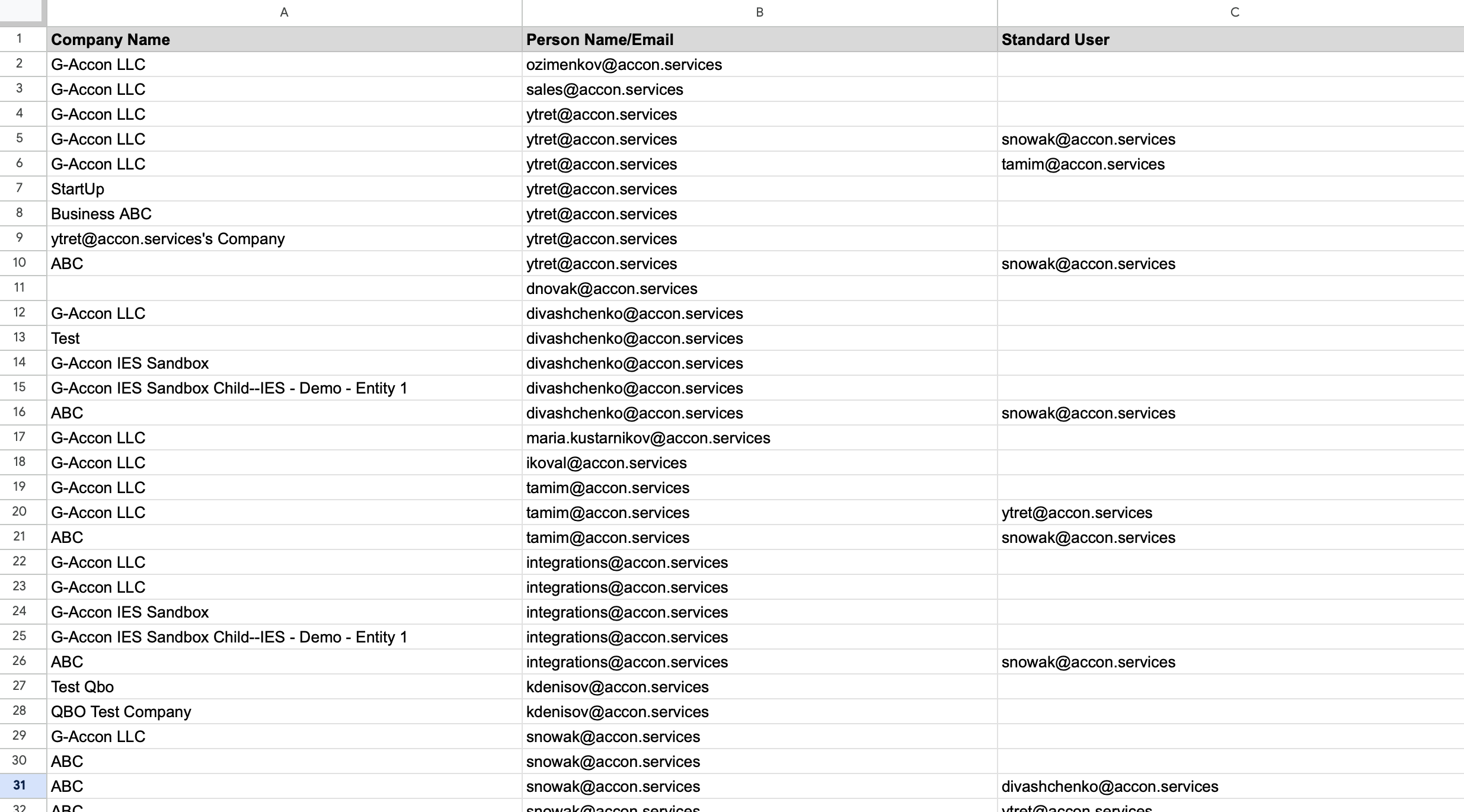
Export the full list of connected organizations and subscribers from the Buy/Manage License module.
Compare plans and prices, or ask our team.