Export your Xero overpayments into Google Sheets: contacts, dates, totals, remaining credit, allocations and status. Choose the fields, set a date range, filter and sort, and refresh whenever you need.


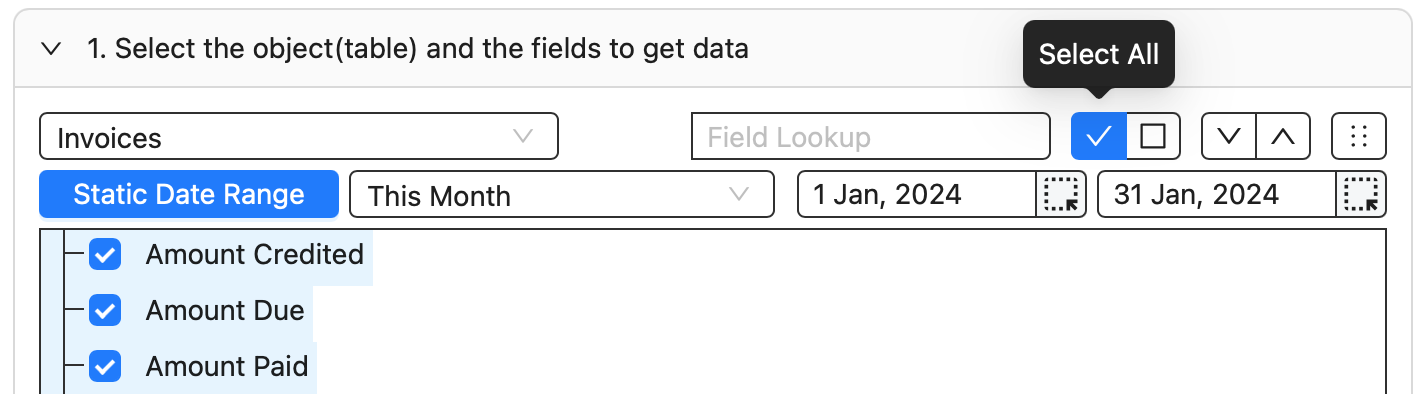
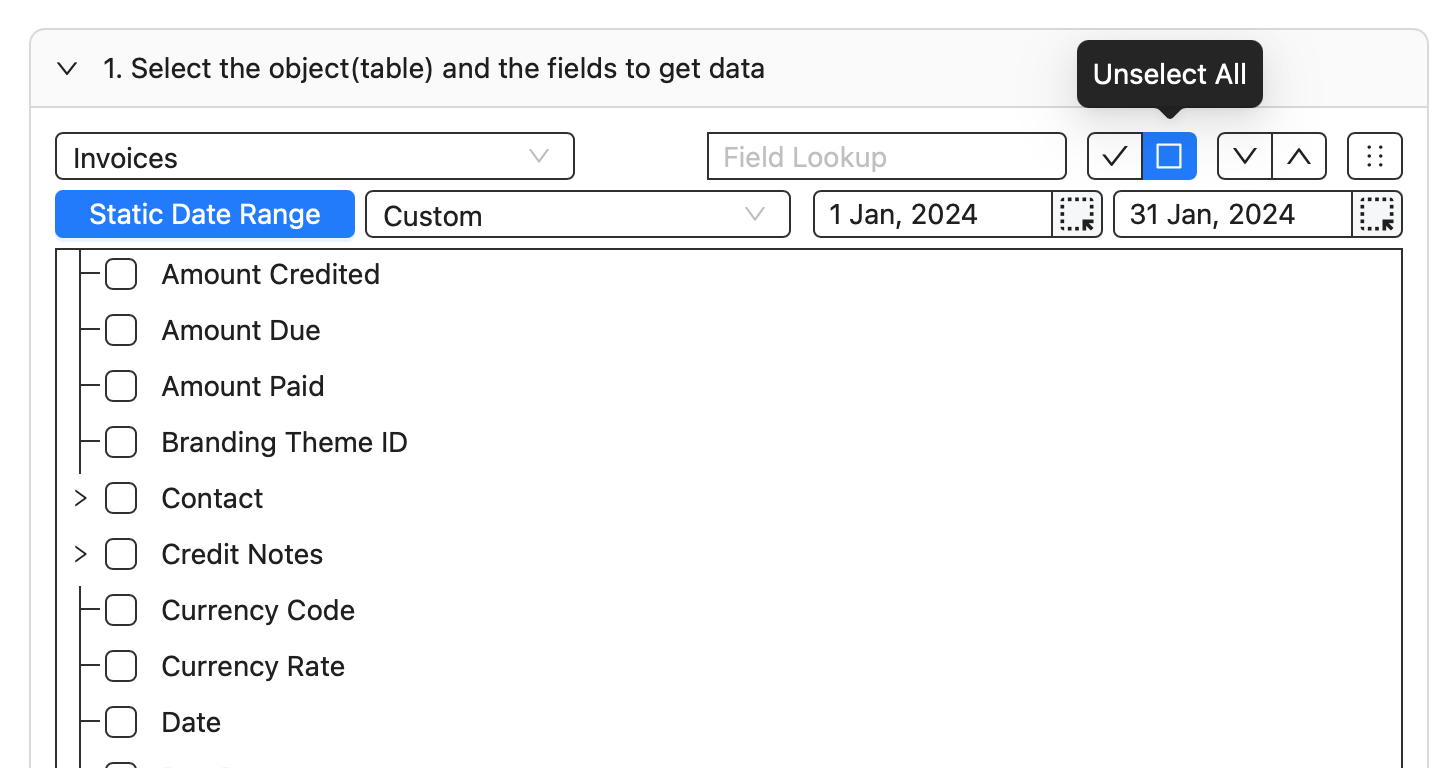
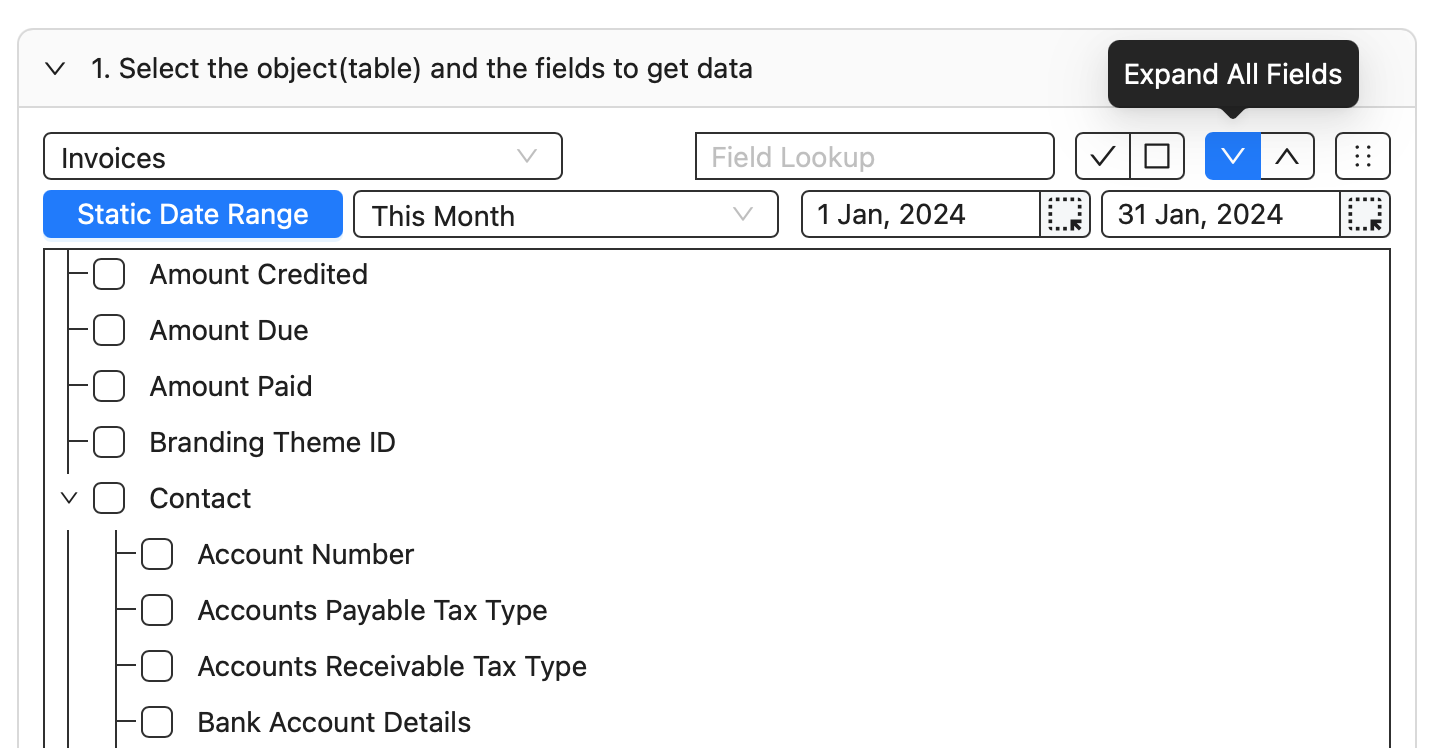
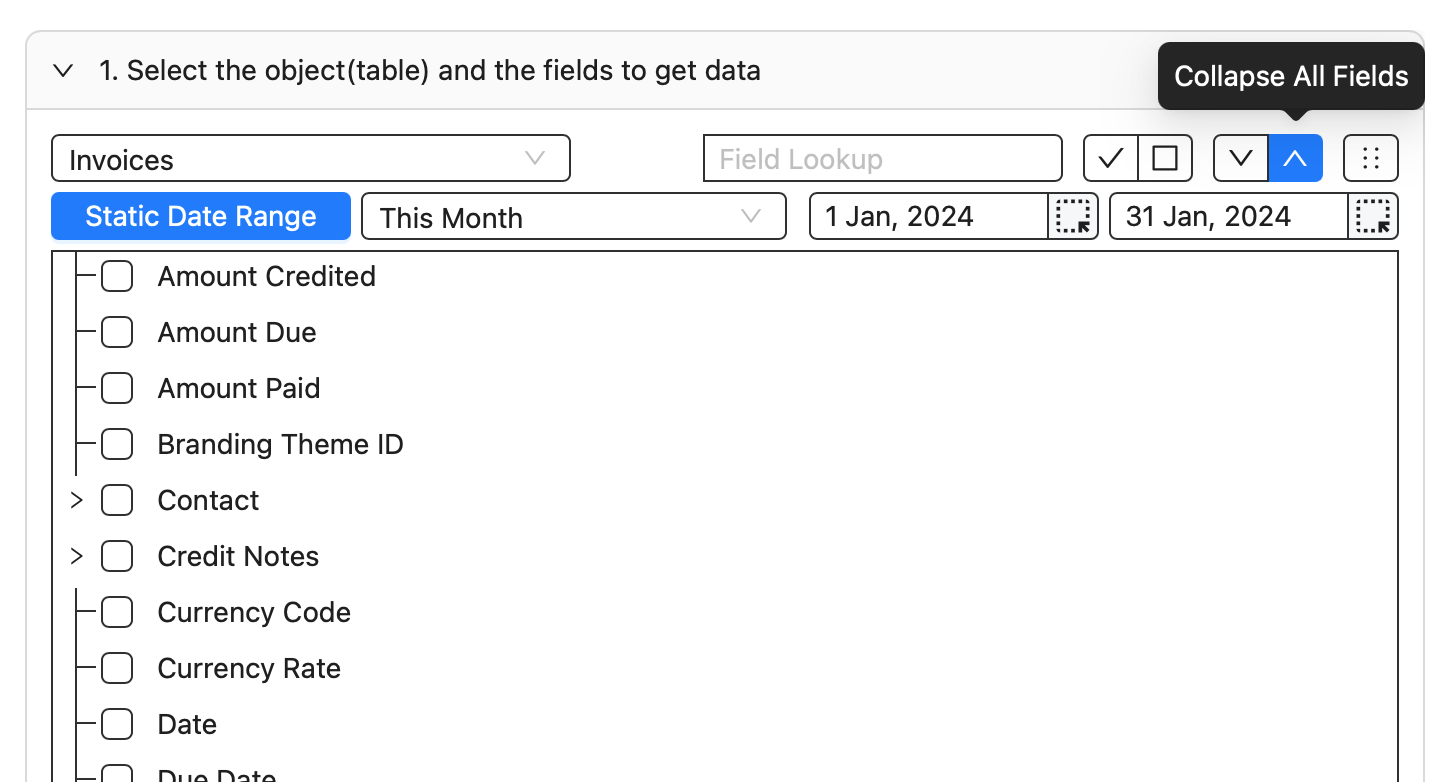
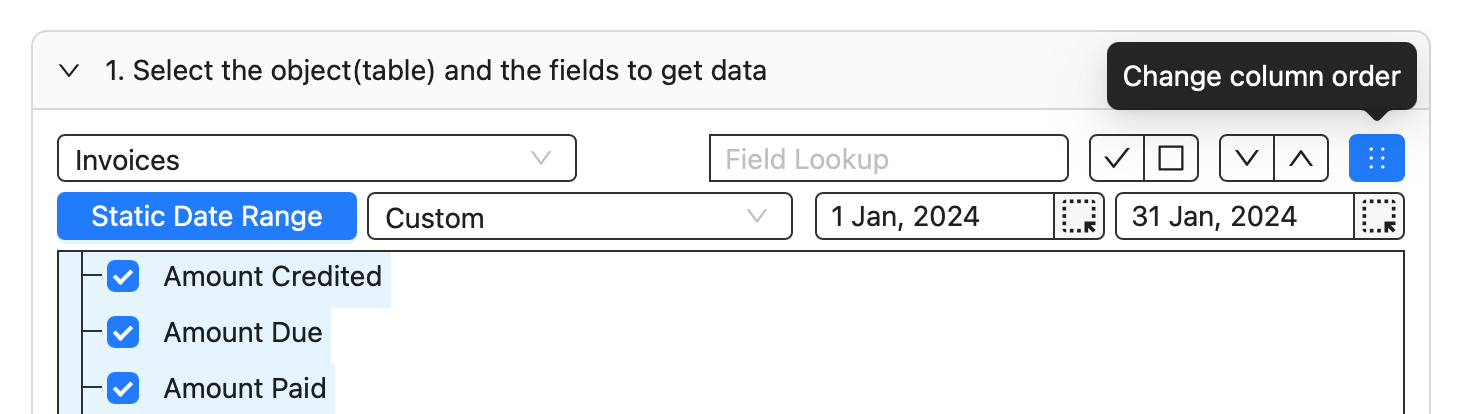
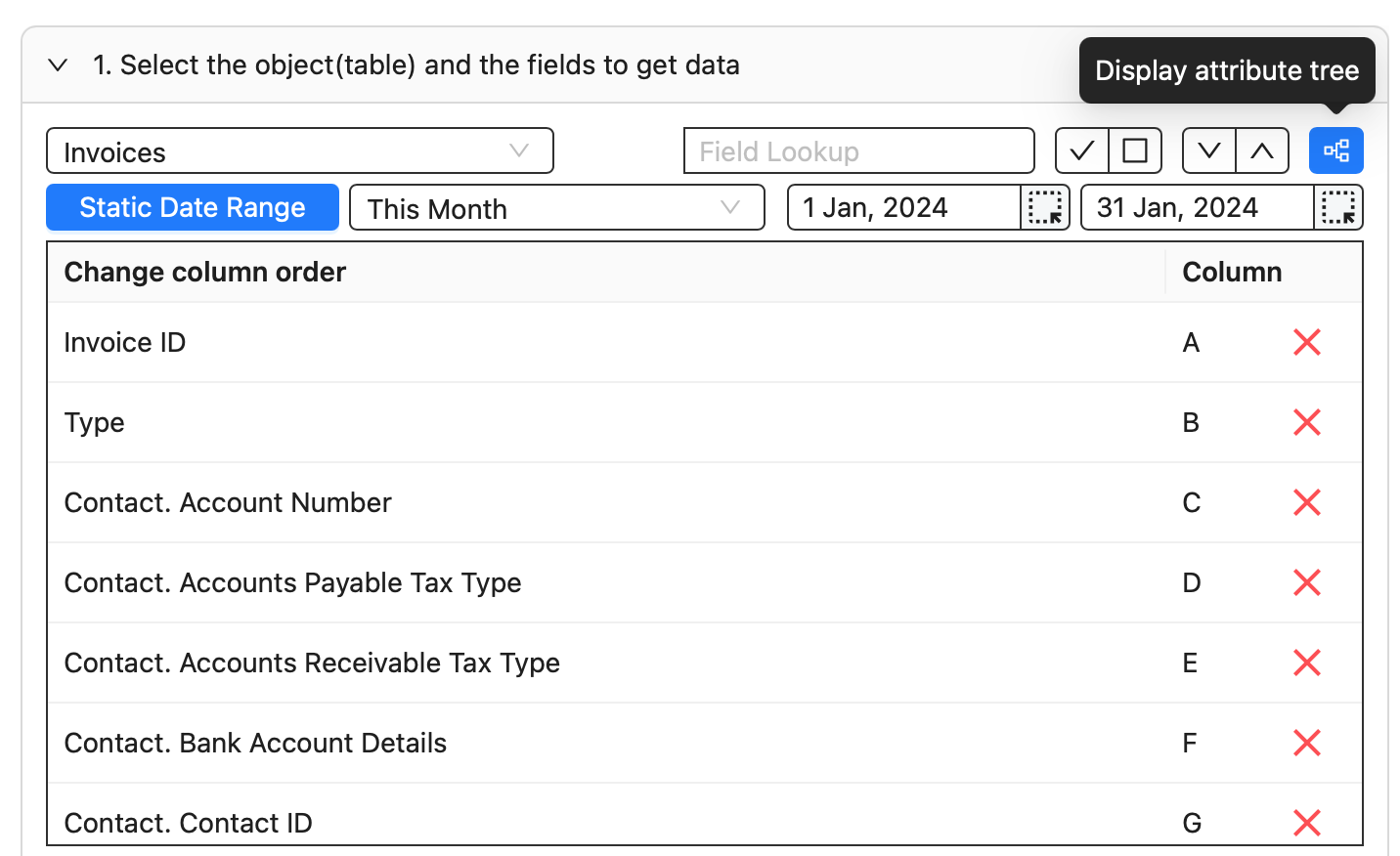
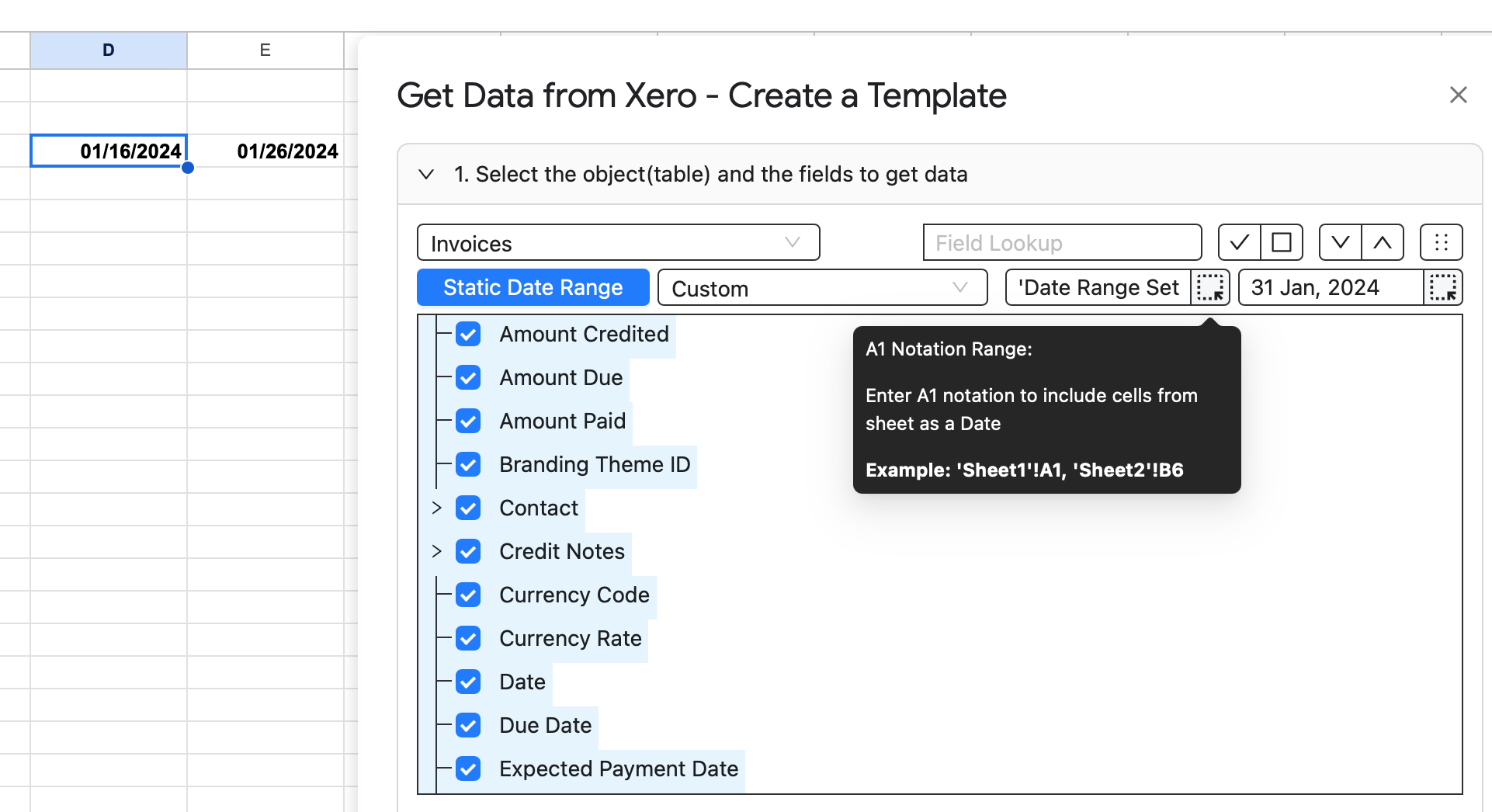
Tick the fields you want as columns, or use Field Lookup to find one by name. The buttons beside it help with long field lists:
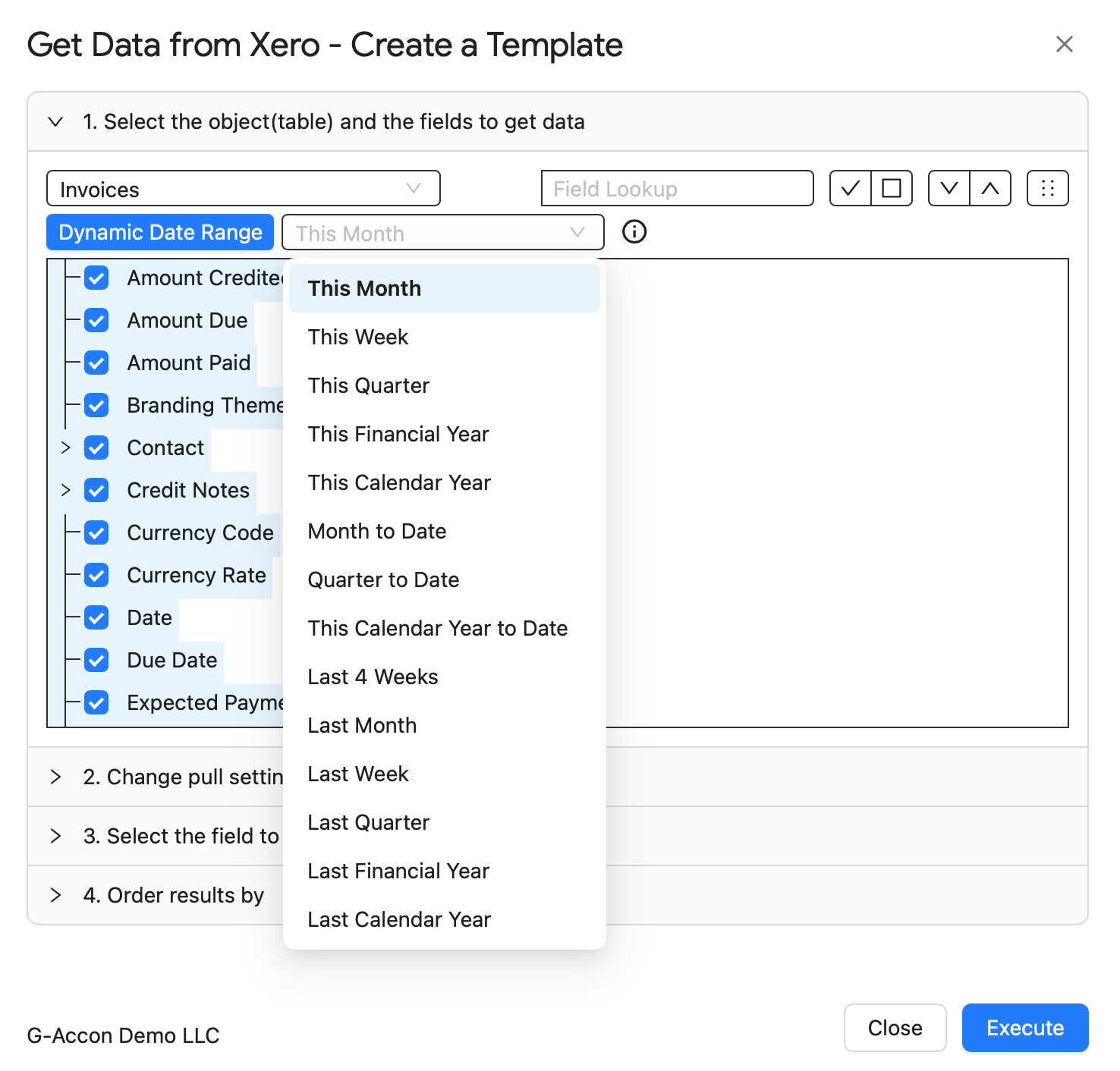
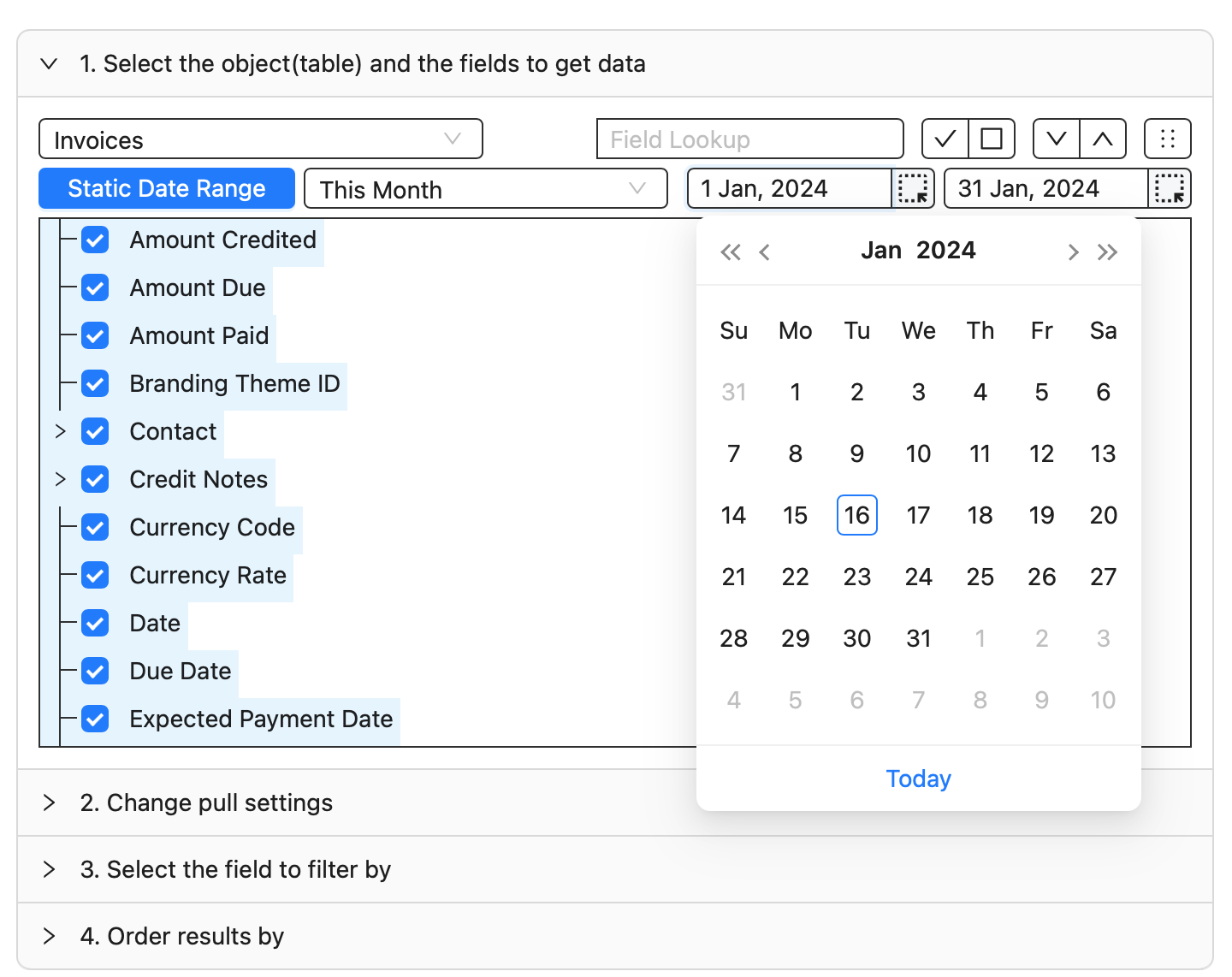
Choose which overpayments to pull by date. Pick the type that fits your report:
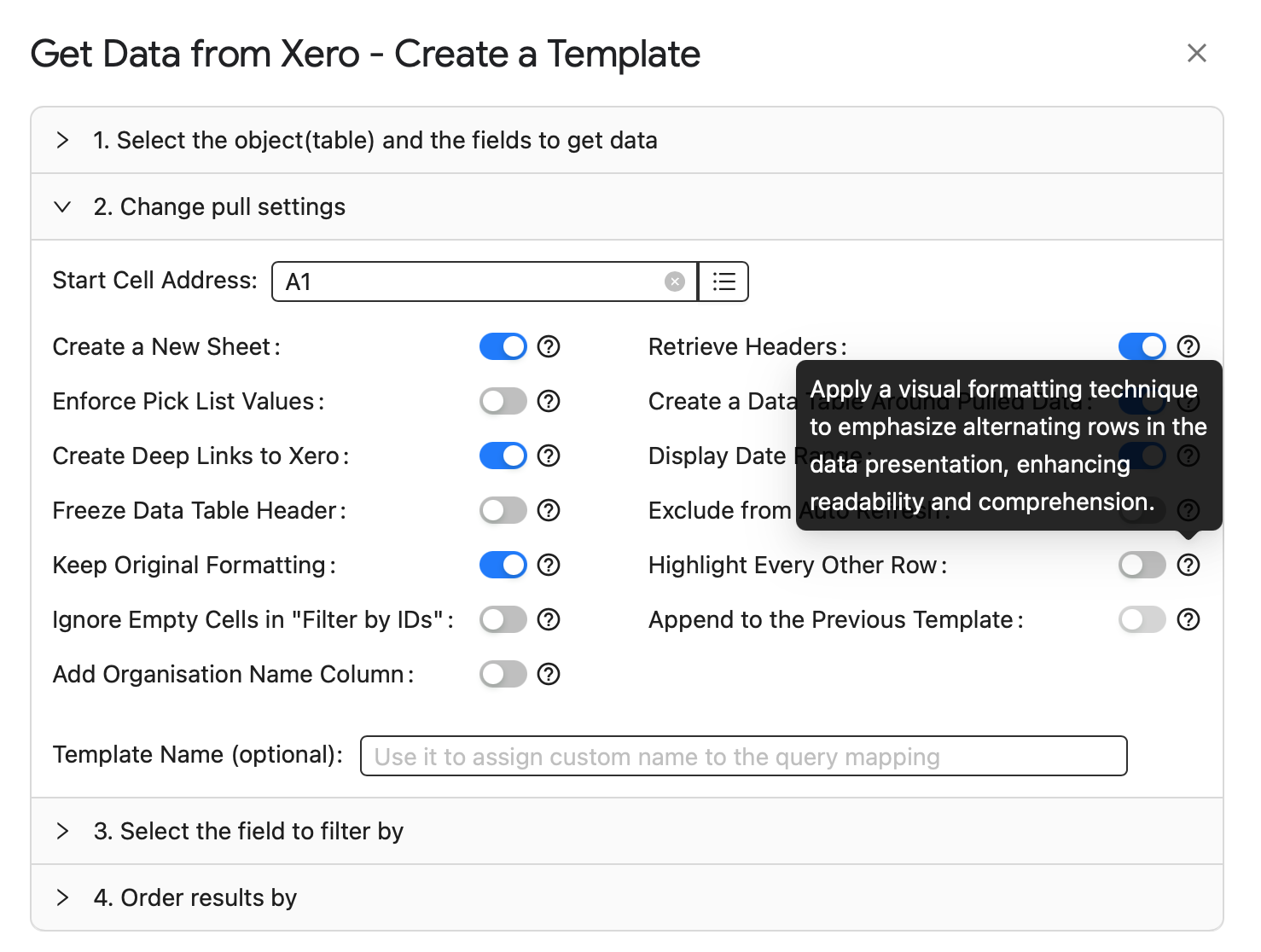
Switch on what you need. See every setting with examples
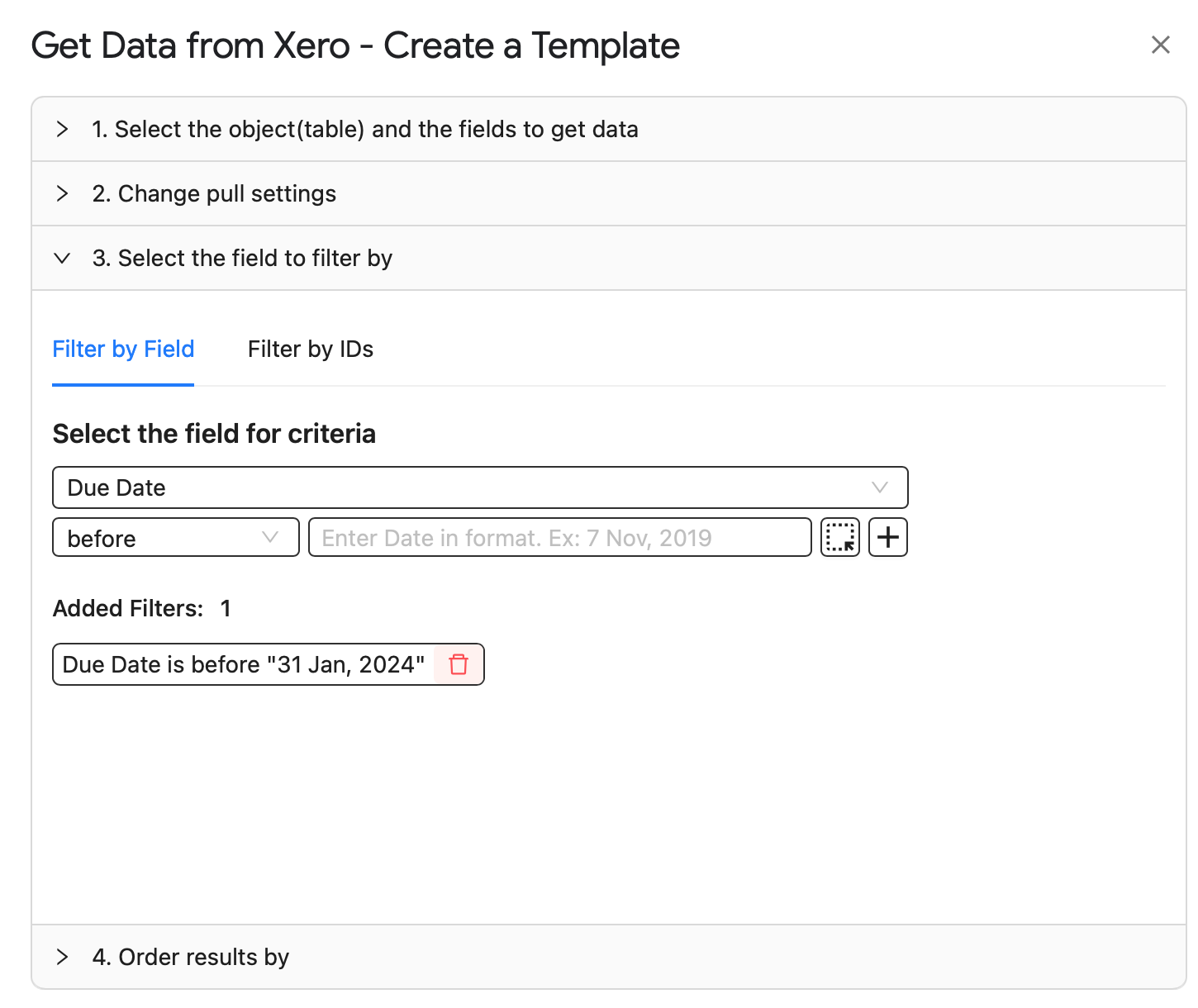
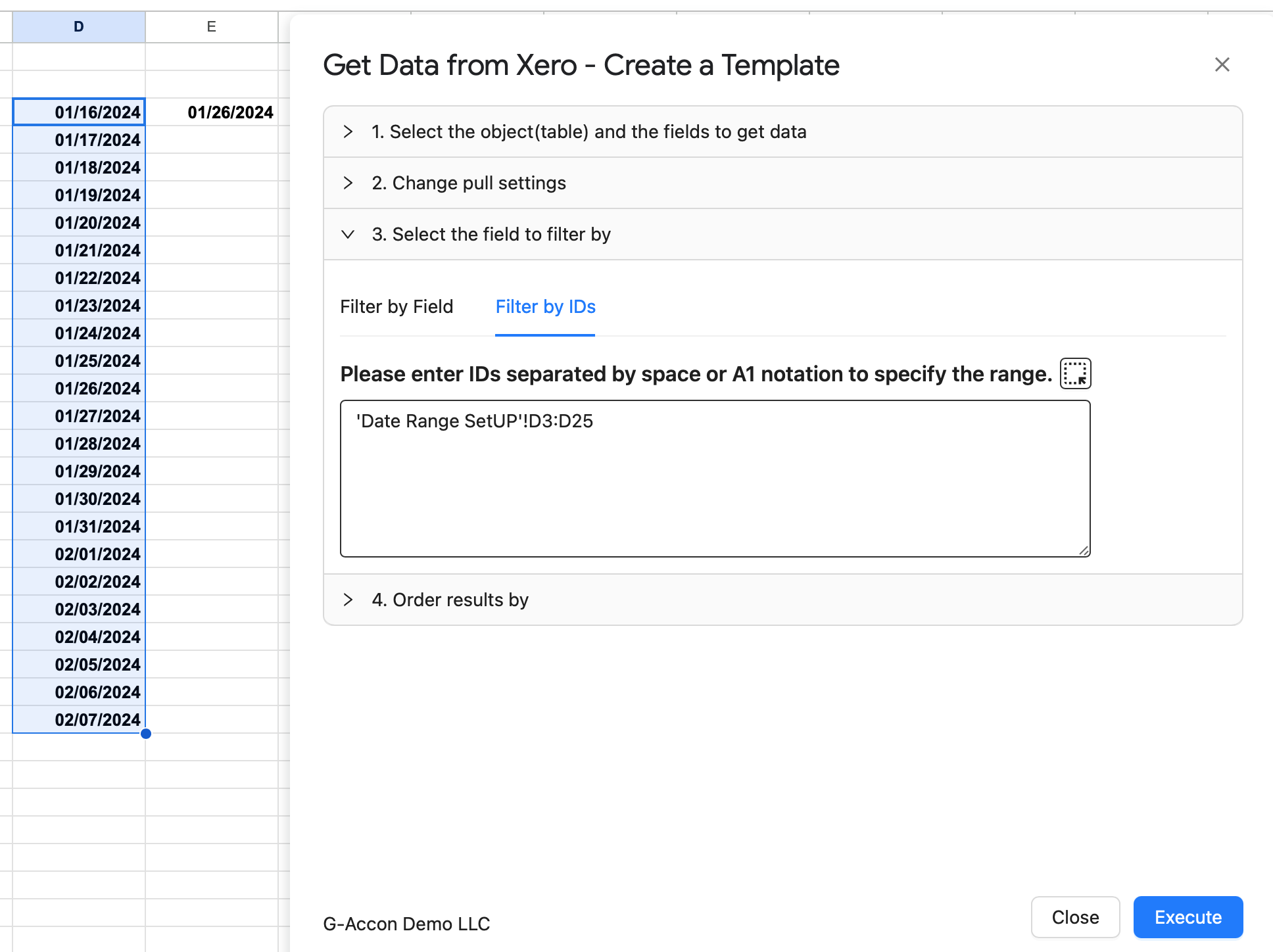
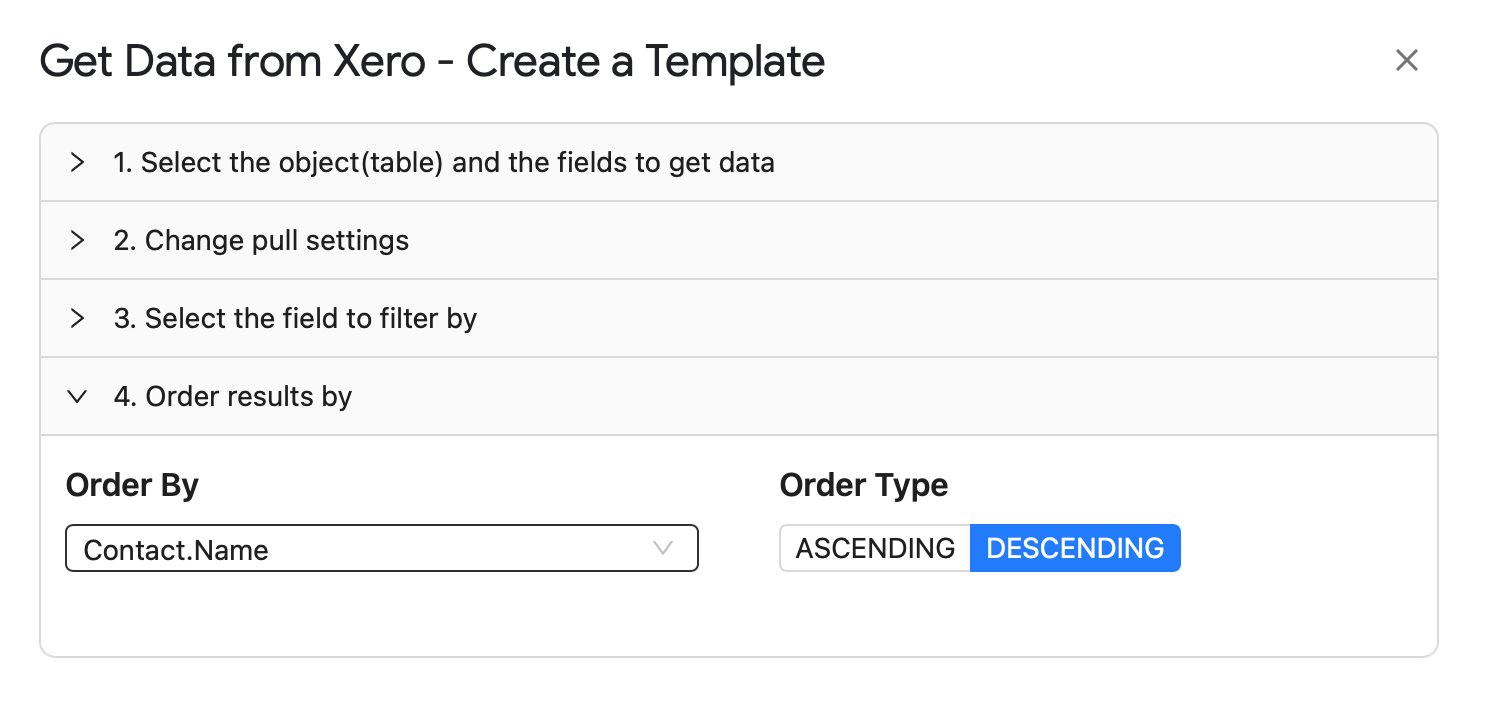
Pick a field in Order By and an Order Type:
Then click Execute. The data lands in your sheet, starting at your Start Cell Address.
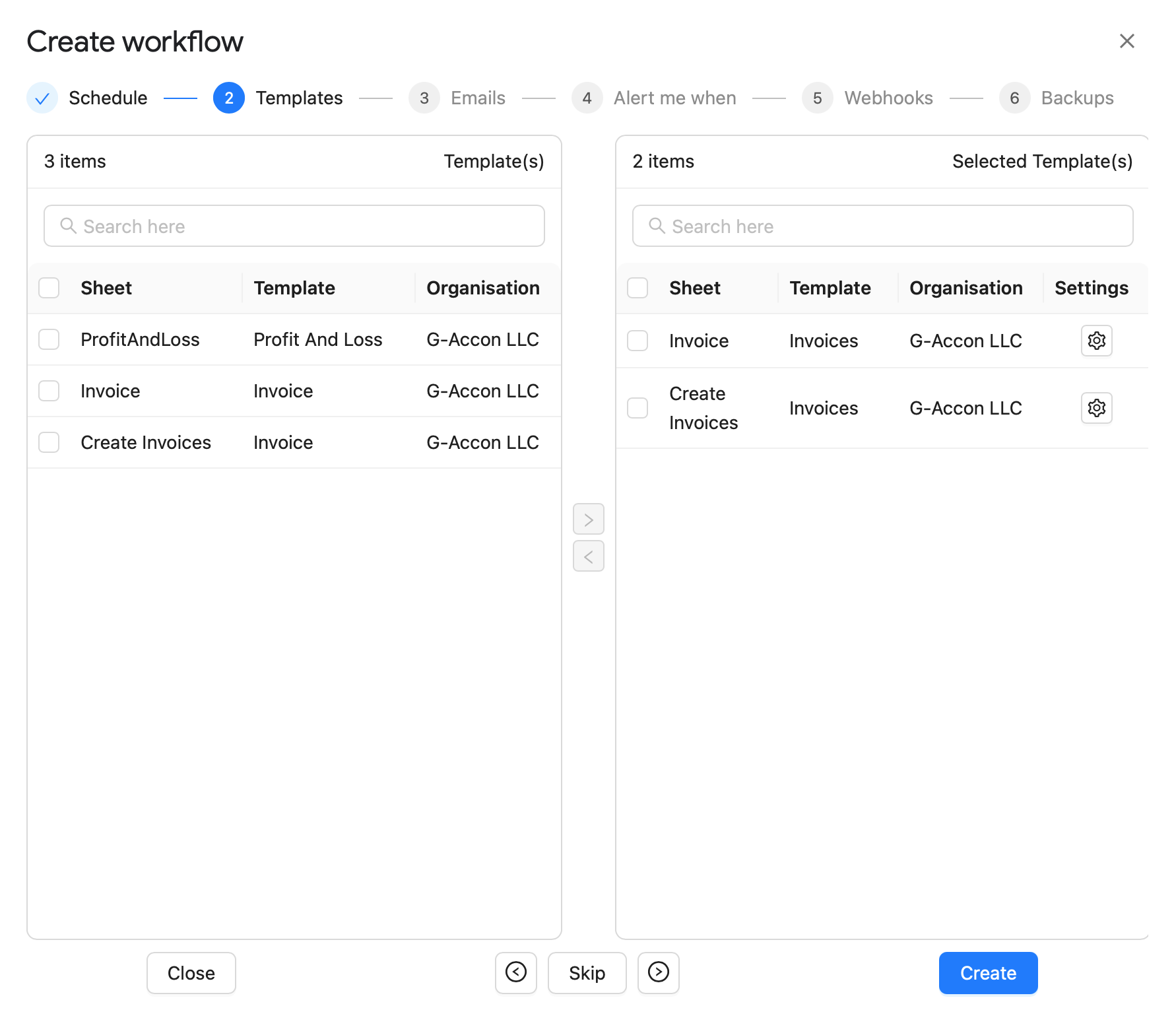
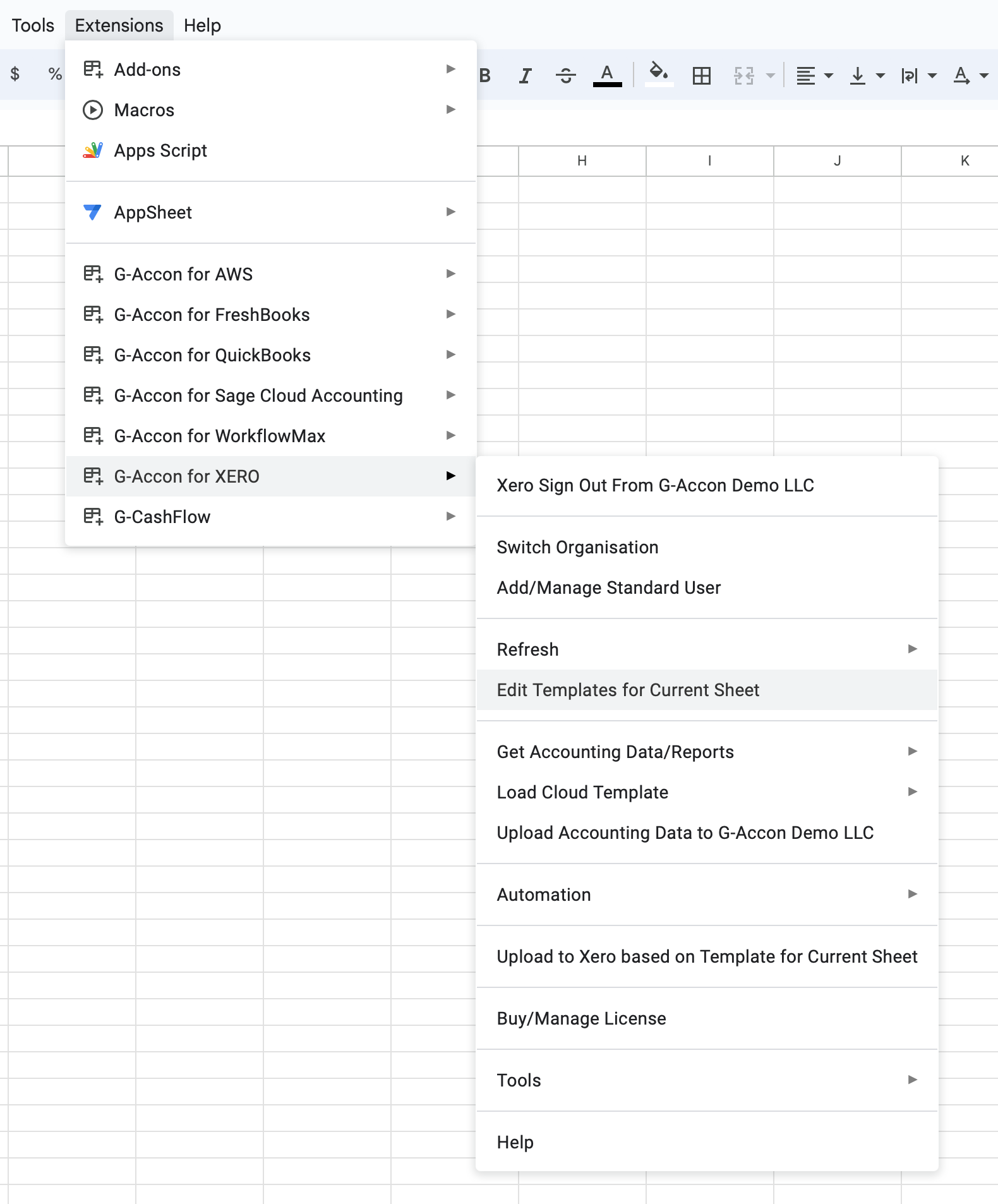
You don't need to be signed in to Xero to edit or refresh a template.
See all 31 Xero tables you can export, or ask our support team.